Introducing Workflows for AI agents
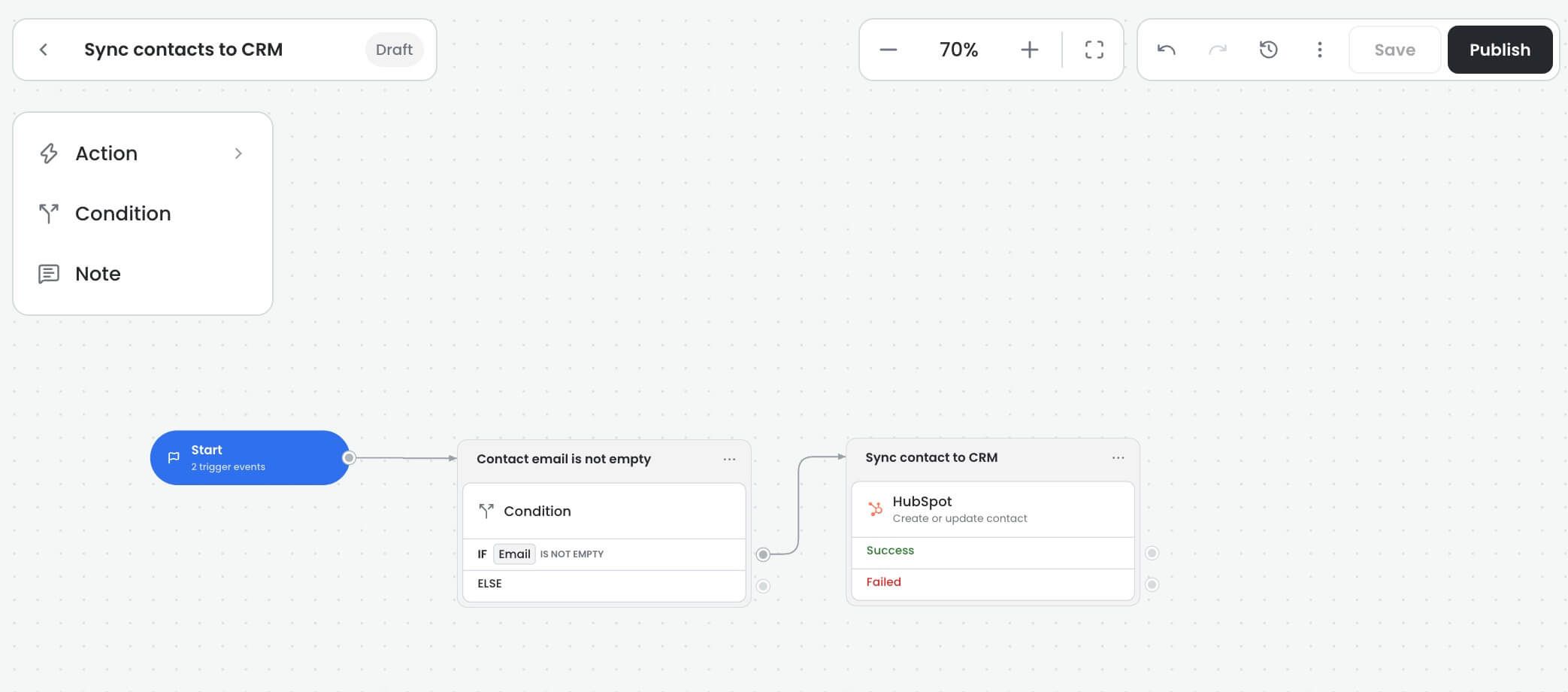
Your AI agent can now take care of the busywork. With our new visual workflow builder, you design a process once and your agent runs it automatically, every time.
Workflows kick off on their own when something happens in your AI agent, whether that's a new conversation, a contact update, or another event. From there, they can:
Send emails and add internal notes
Sync data to HubSpot, Zendesk, Google Sheets, Airtable, and other platforms
Update conversations and contact details
Assign conversations to the right teammate or team
Route tasks based on conditions you set
Connect to external services with HTTP requests
And much more
The result is fewer manual tasks, smoother handoffs, and more time for your team to focus on customers.
To create your first workflow, open your AI agent and go to the Workflows page. For more information, refer to the Workflow docs.