Restrict Team Member Access to Specific AI Agents
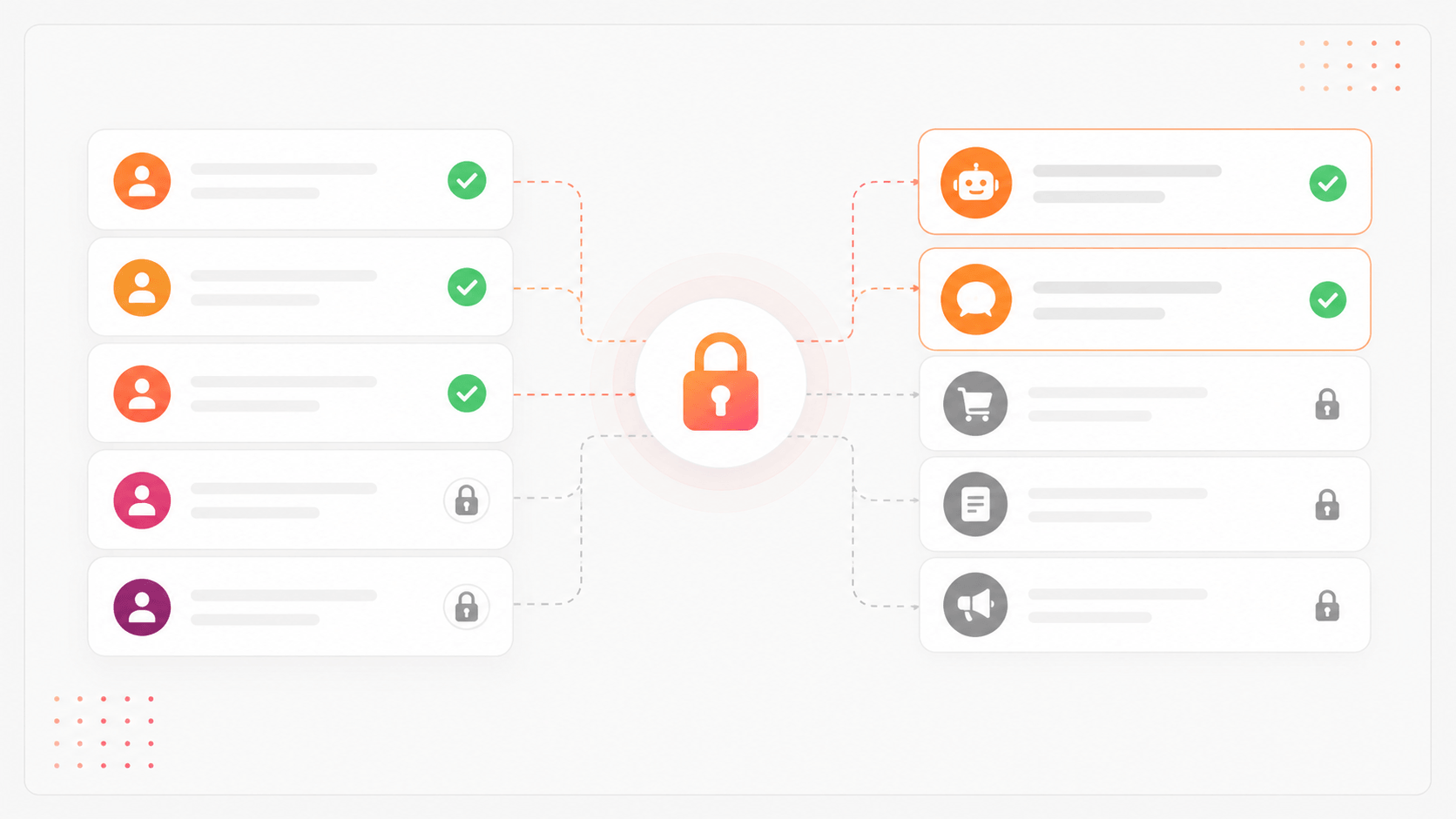
We're rolling out granular access control for team members. You can now limit which AI agents each member can access and interact with inside a project.
When inviting a new member or editing an existing one's role, you'll find a new Restrict access section.
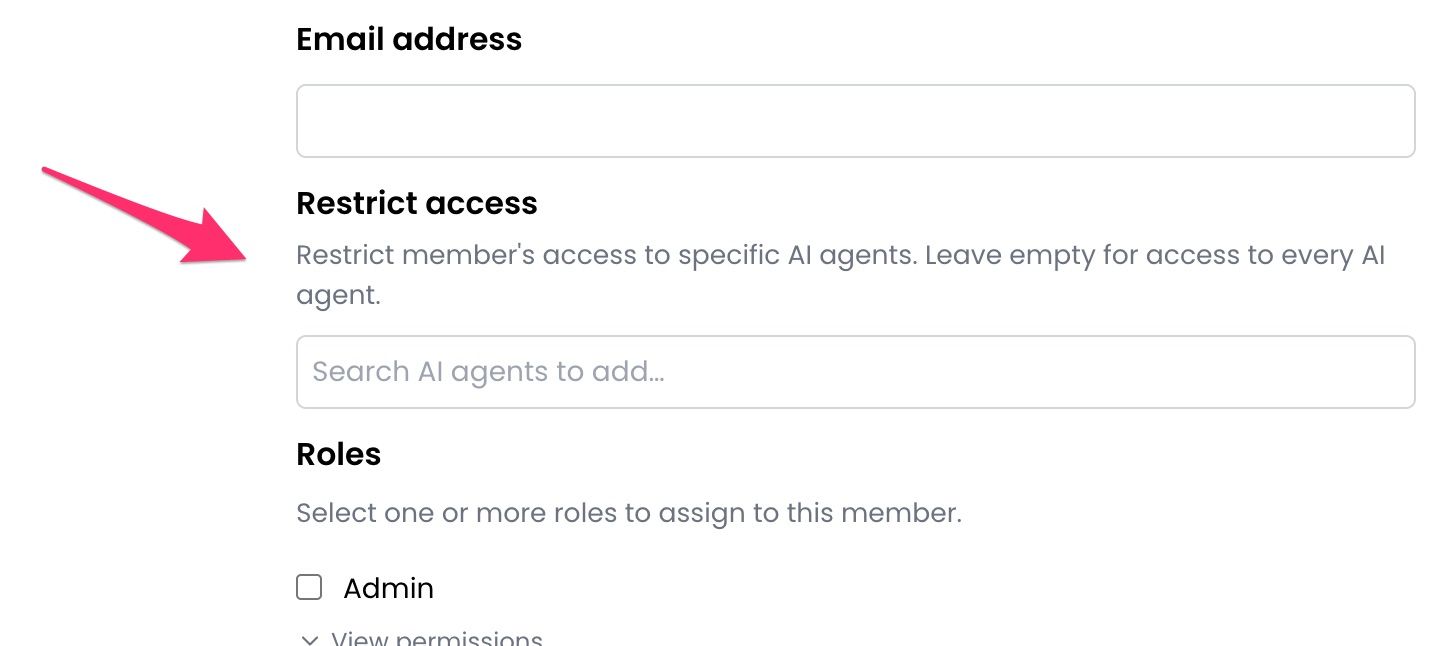
Leave it empty and the member gets access to every agent in the project, just like before. Add one or more AI agents and that member will only see those, nothing else in the project is visible to them.
This new features is useful for:
Agencies managing multiple clients under one project. Give each client's team access only to their own agent.
Large teams where support agents should only handle specific products or departments.
Compliance scenarios where access to certain conversation data needs to be segmented by role.
The new feature is available on all plans. Head to Project Settings → Members to configure access controls. Give it a try and let us know your feedback.