✨ New Updates to Live Chat: Canned Responses, Teams, and Quick Actions
We shipped three improvements that to improve your live chat experience.
1. Canned responses
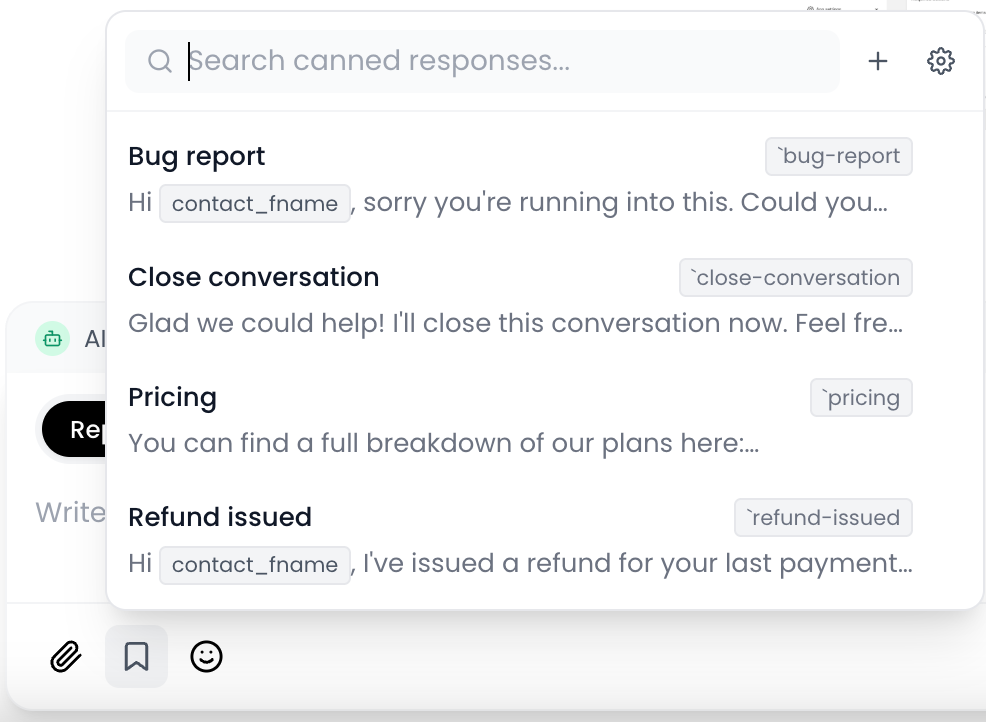
Create a library of saved replies your team can drop into any conversation in one click from Settings → Canned Responses.
To insert canned responses when chatting, click the bookmark icon in the reply composer and choose a response.
2. Teams
Group agents into teams so you can route conversations, scope visibility, and keep large support orgs tidy. Manage teams under Settings → Teams.
3. Quick actions
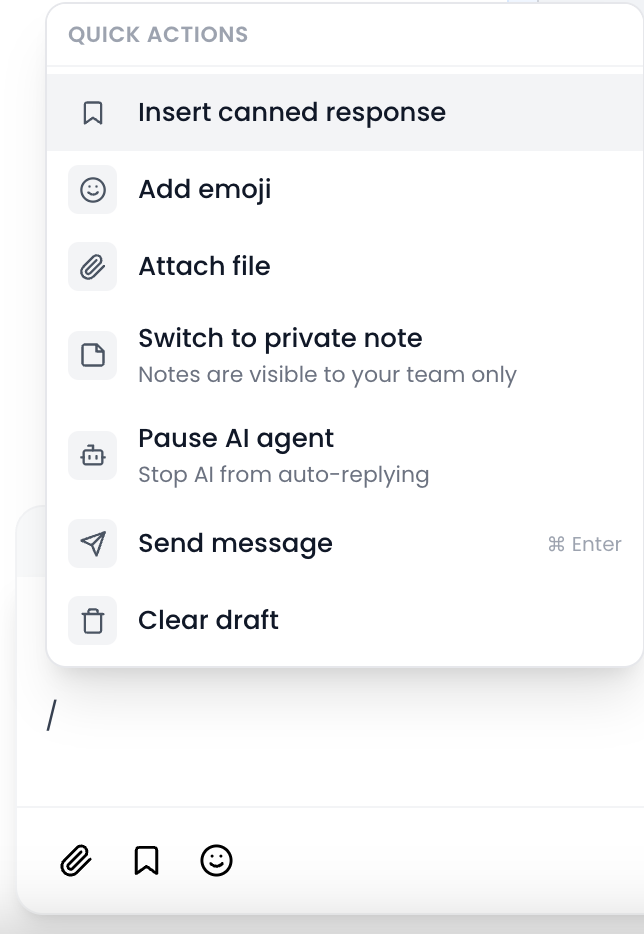
Press / in the reply box to bring up a searchable menu of everything you can do without leaving the keyboard:
Insert a canned response
Attach a file
Add an emoji
Switch between reply and private note
Pause or resume your AI agent
Send message
Clear the current draft